Game Boy Printer Emulator
A year or so ago I bought a Game Boy Camera - only because I did not have one yet. It is an accessory for the Game Boy (DMG) and the Game Boy Color (GBC). Launched in 1998, it was one of the first consumer digital cameras, and it might as well be the first truly successful commercial ones. Now, 26 years later, it might be one of the worst cameras money can buy. OK, that’s not true - the Lidl Nytech line of cameras might be even worse. Spoiler for one of the next posts I think.
That is, if you only look at the surface. Of course a digital camera from 1998 isn’t going to blow your socks off, but I adore this little camera for what it achieved 26 years ago - make digital photography a bit more accessible and above all, fun! I am not the most experienced with it yet but seeing what others have done with it fills me with awe. Color filtering, woodblock printing and modding the whole thing to put either a micro four-thirds or even a DLSR lens on the thing. Even the PCB is not safe: custom flashcart and ROM. These are really cool - but above my current skill level to properly use. I might still build one though. Then again, the original limitation can be charming as well.
There is just one teeny tiny problem: the only way to get these photos off your camera was with a ~$100 (in 1998!) printer, which connected though a cable and could print out your photos on thermal paper. I don’t want to spend €200 on a printer only for it to spew bisphenols in my room, so I took the modern approach: I built a Game Boy Printer Emulator.
Copycat
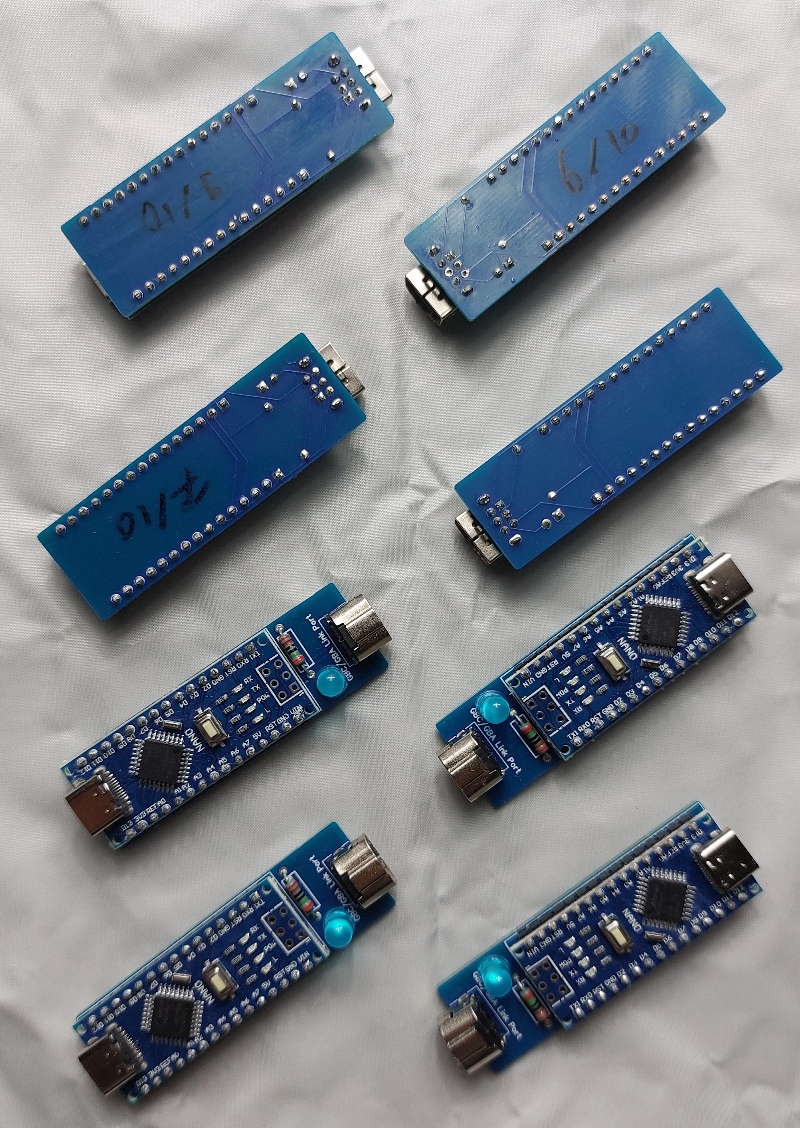
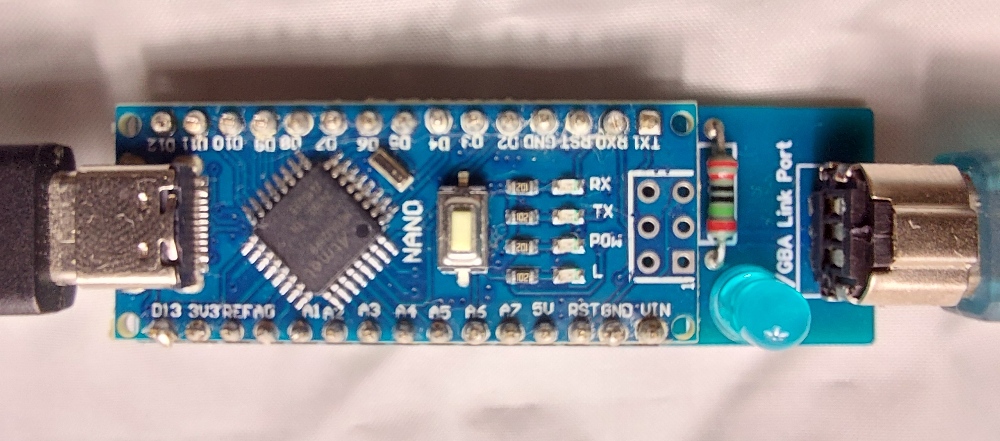
I am not the first to do this, I stole all the plans from Brian Khuu and Raphael Boichot. These are open source, so by following their guides you can go a long way. The device is really simple: a Game Boy Advance Connector is hooked up to a Arduino Nano which converts the raw Printer bytestream into a serial connection, which can be connected to via USB. You then use either a terminal emulator such as PuTTY or use one of the Python or Javascript apps to directly convert the images to PNGs. There’s also an Android app, which is pretty cool.
The Arduino Nano clones are from some company in China, as are the connectors. The PCB was ordered at JLCPCB, which is apparently headquartered in Germany but their factories are either in China or Taiwan. The LEDs and resistors are from a general electronics store.
After testing the Arduinos I assembled one of them to test them out. This is where I discovered the following:
Adapter cables, which convert DMG, GBC and GBA communication signals into each other, are unreliable and should not be used for the Game Boy Printer Emulator.
Buying an original cable for the Game Boy Color will work reliably and I was able to get all images off of my camera properly.
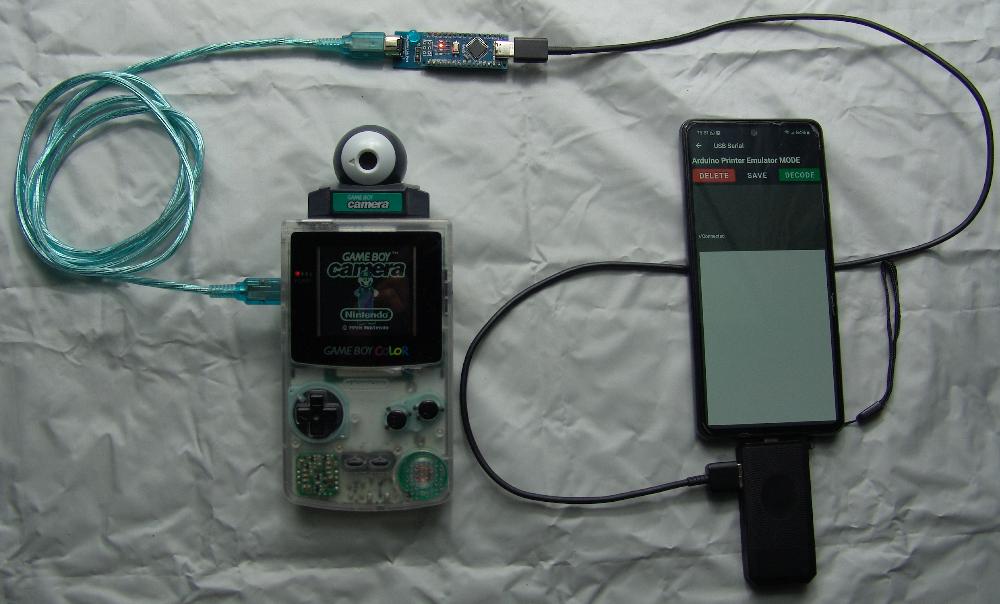
My preferred method for connecting to the serial stream is actually the Python CLI tool. Although I’d prefer a GUI for such things, I am perfectly happy doing this the hard way (installing a Python environment, setting up a terminal and running it each time). People less experienced with these tools might want something more elegant.
Test shots
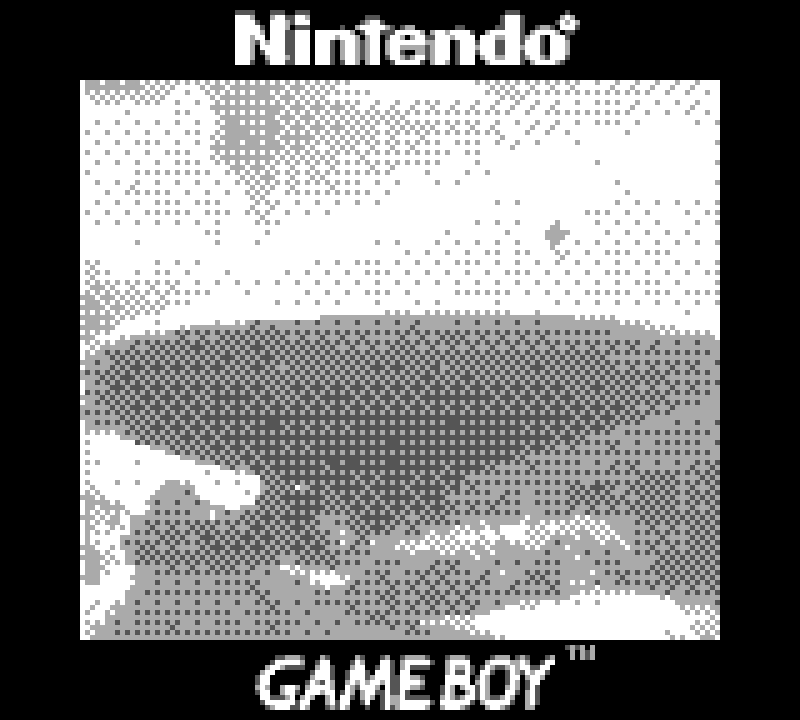 Upscaled 5x. Only shots with overcast weather will be properly exposed. The 2-bit intensity is not enough for a single shot with contrasting regions.
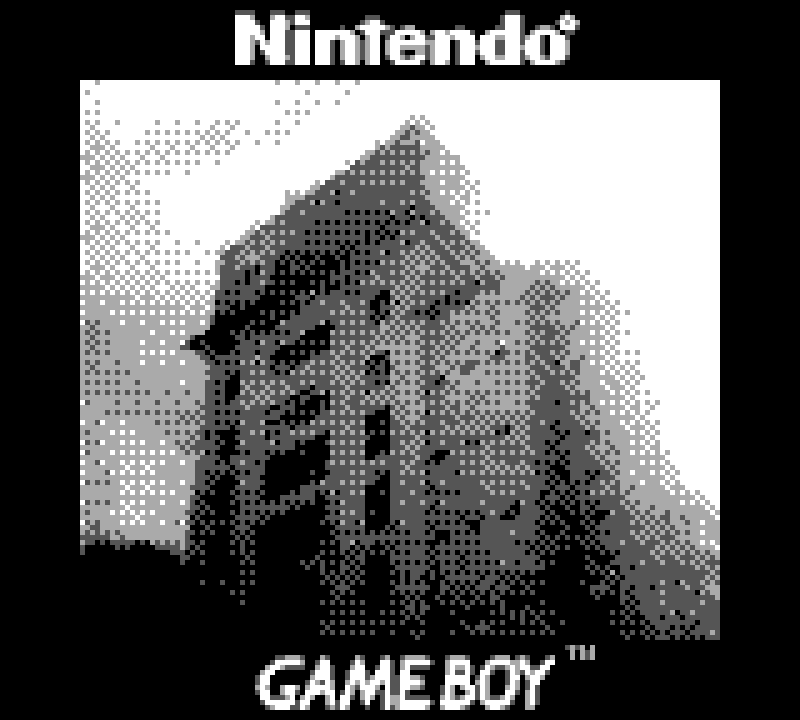 Upscaled 5x. Sky is your enemy. By overexposing the sky, details in the building remain visible.
For sale
As of 2024-09-11 I have 8 more units for sale. Hit me up if you’d like to buy one!